Back to Tutorial

Website Features

Everything you can do on fluentai.pro

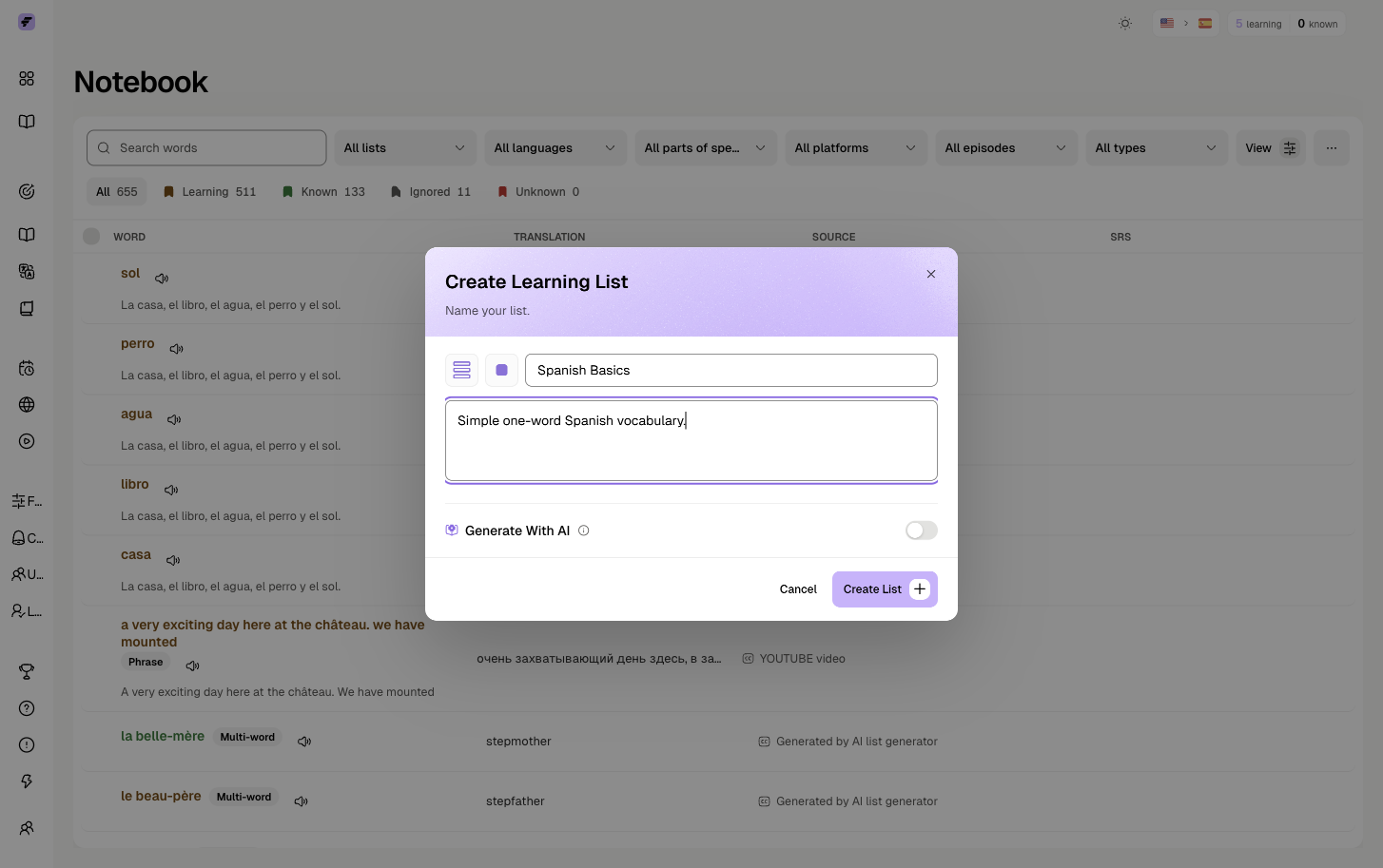
Notebook

Your central hub for all saved vocabulary. Every word you mark while watching videos ends up here.

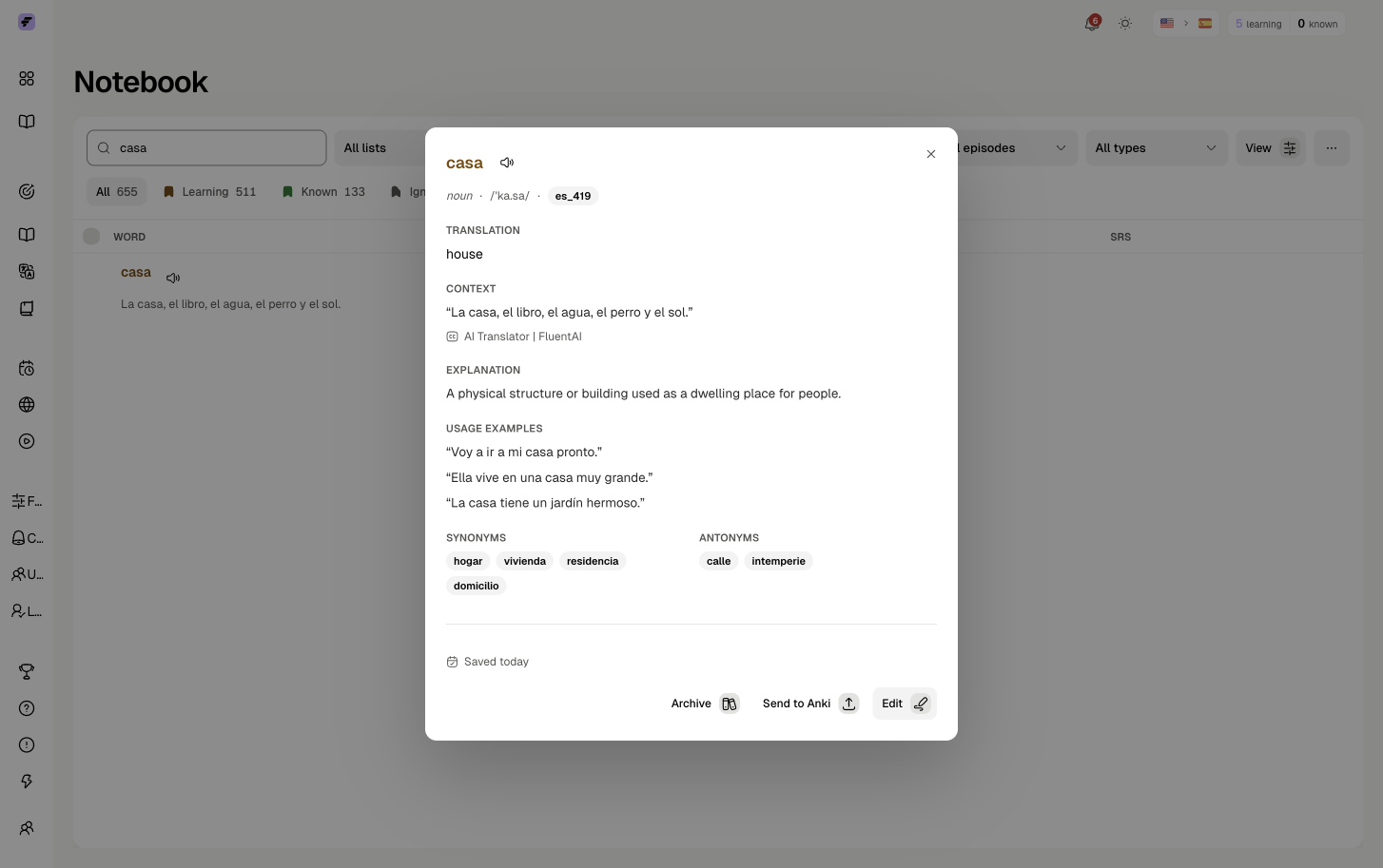
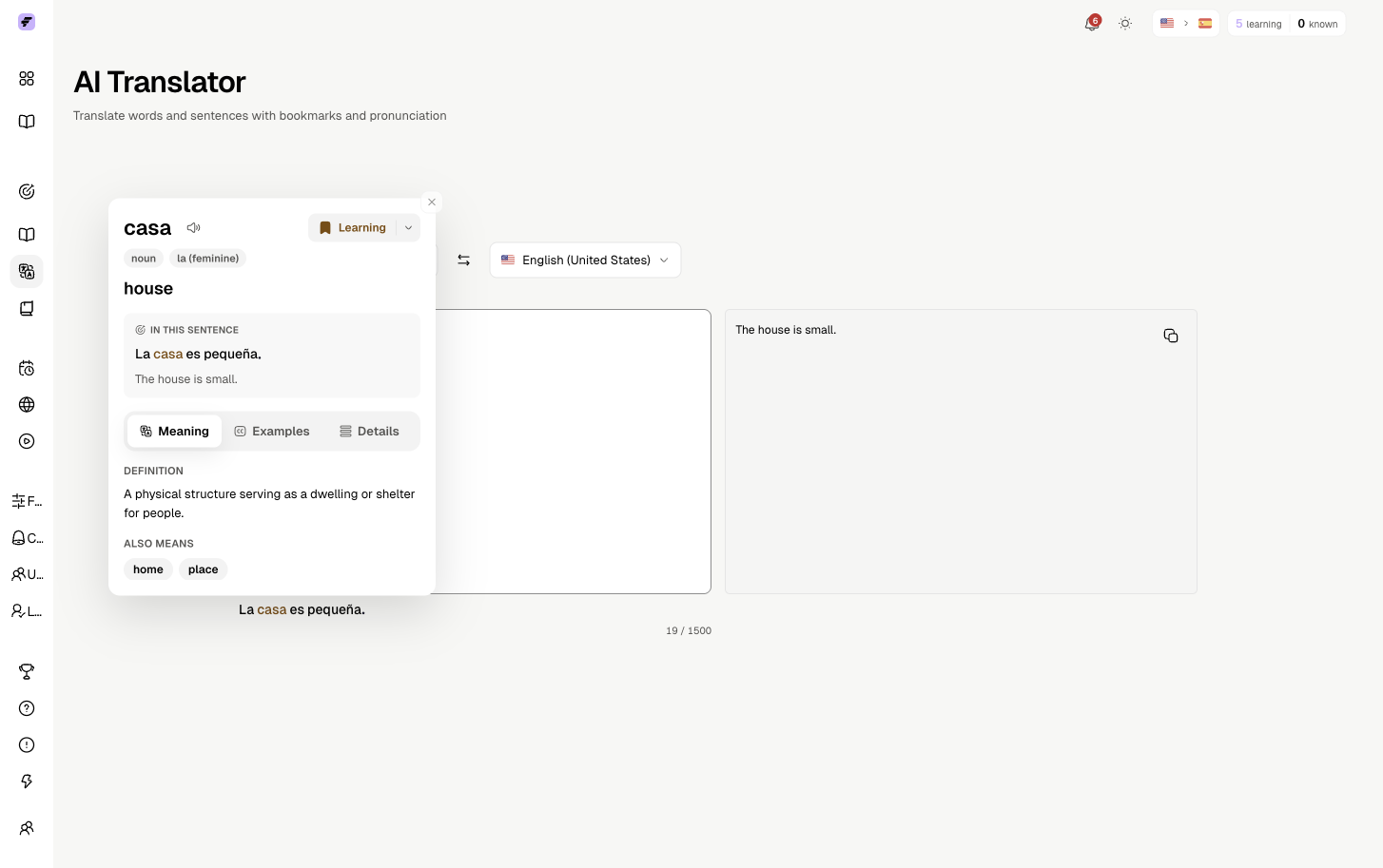
Rich Word Data

Everything you need to learn each word.

  • Translation & transliteration
  • Context sentence & usage examples
  • Dictionary form, synonyms, antonyms

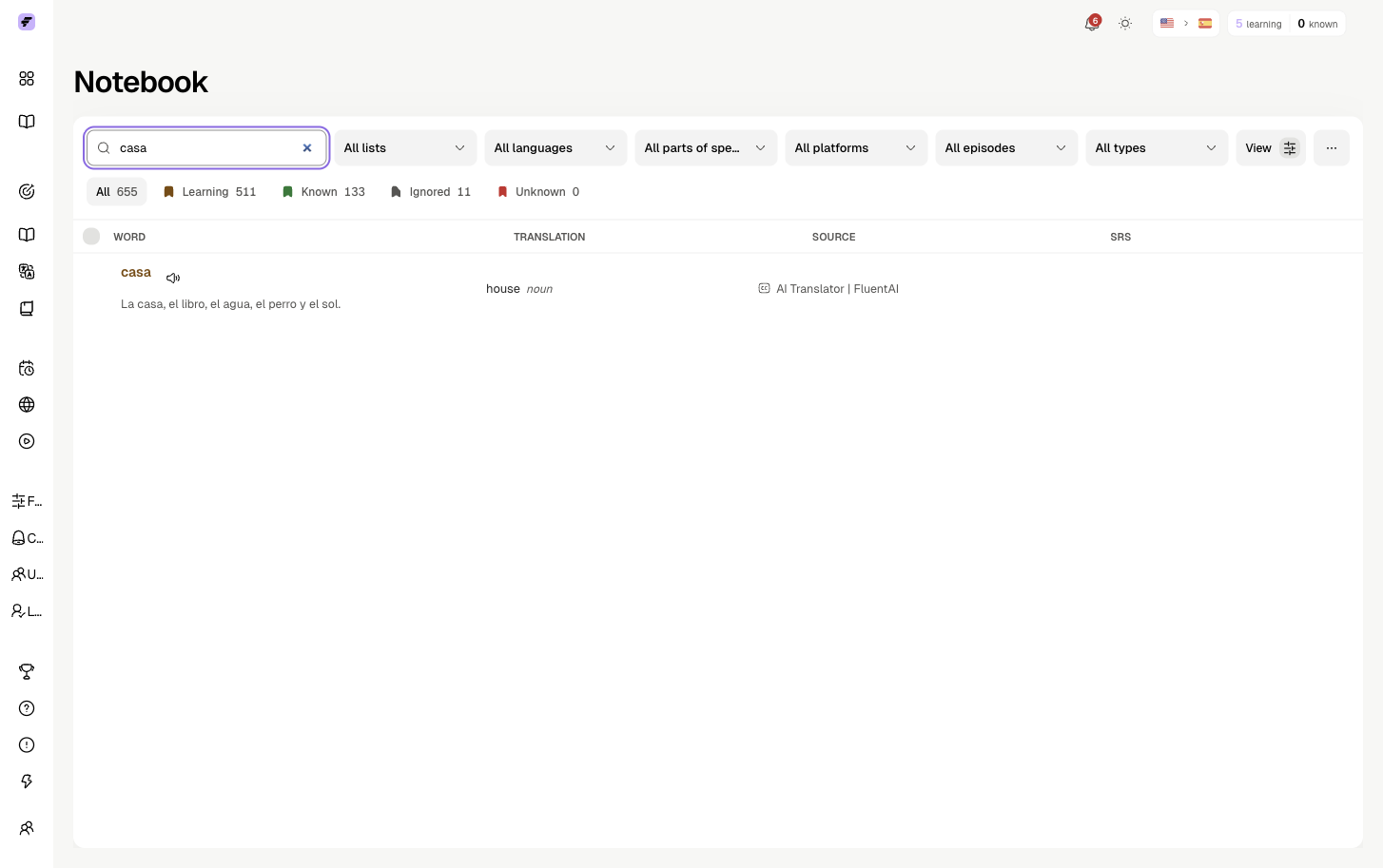
Search & Filter

Find exactly what you're looking for.

  • Filter by status or platform
  • Filter by language or video
  • Sort by date saved

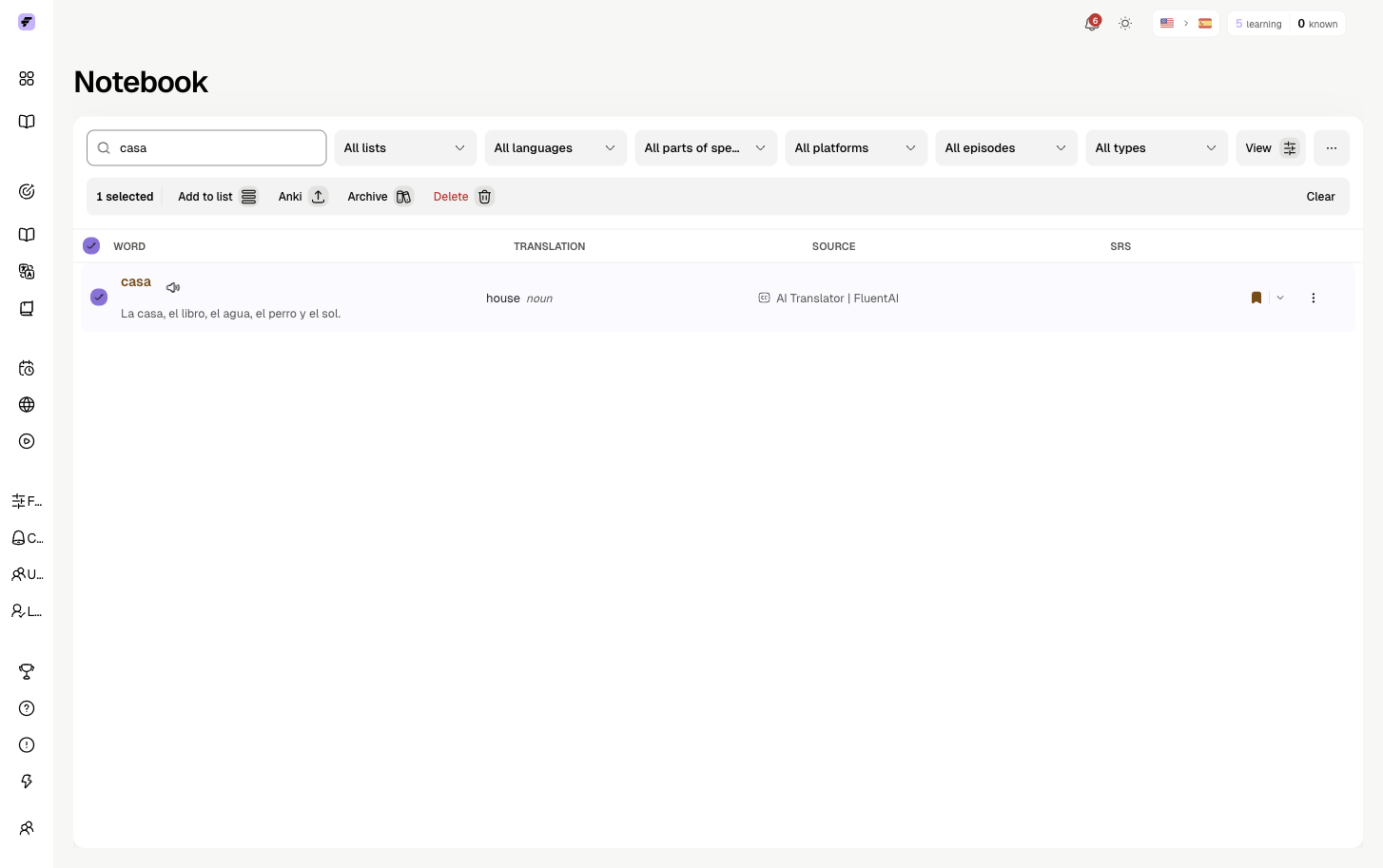
Bulk Actions

Manage multiple words at once.

  • Select multiple entries
  • Change status in bulk
  • Add to lists or archive

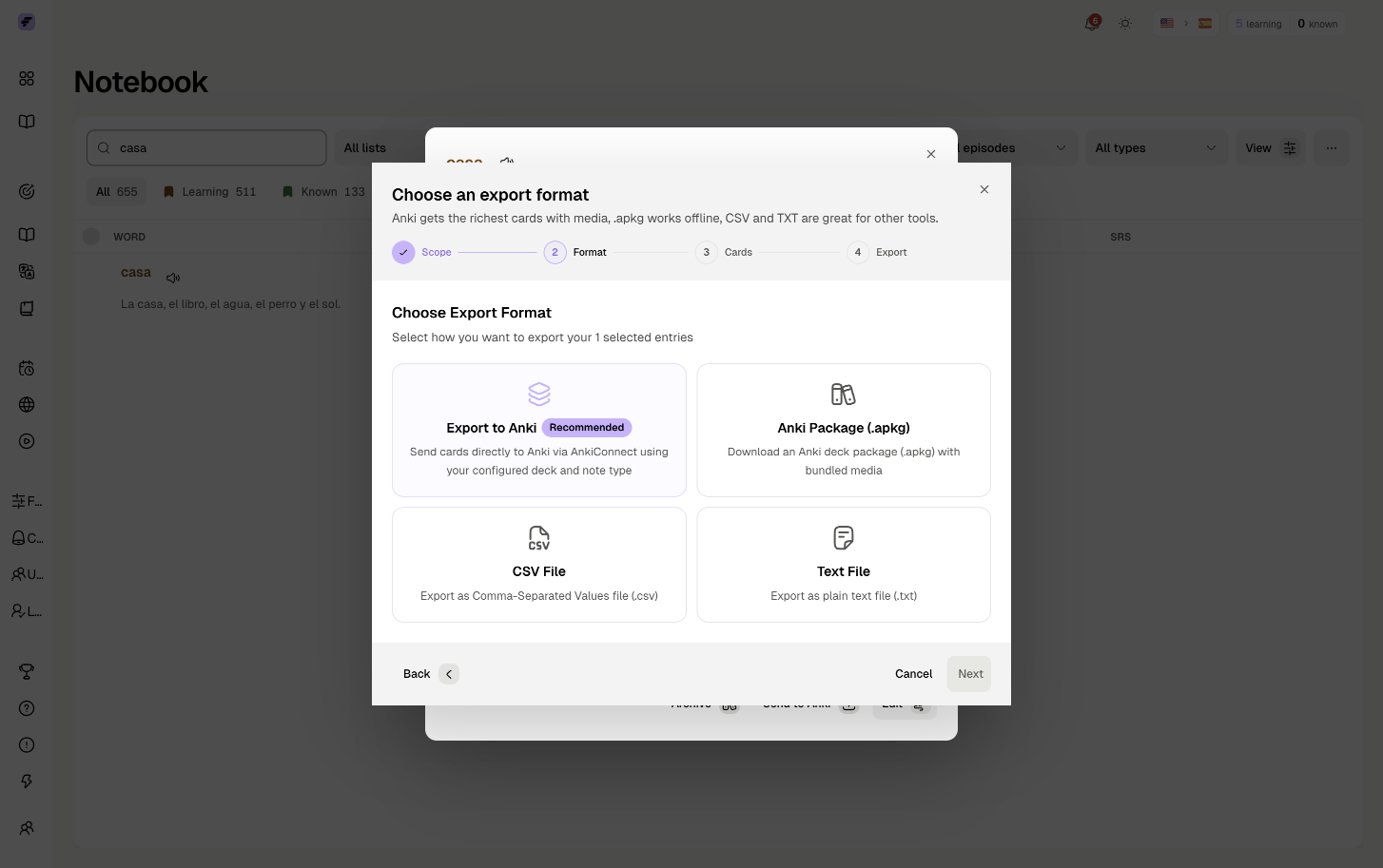
Anki Export

Export your vocabulary as flashcards.

  • Generate Anki deck
  • Include context and examples
  • Spaced repetition ready

[GIF: Notebook overview - searching, filtering, selecting multiple words. ~6 seconds]

Lists

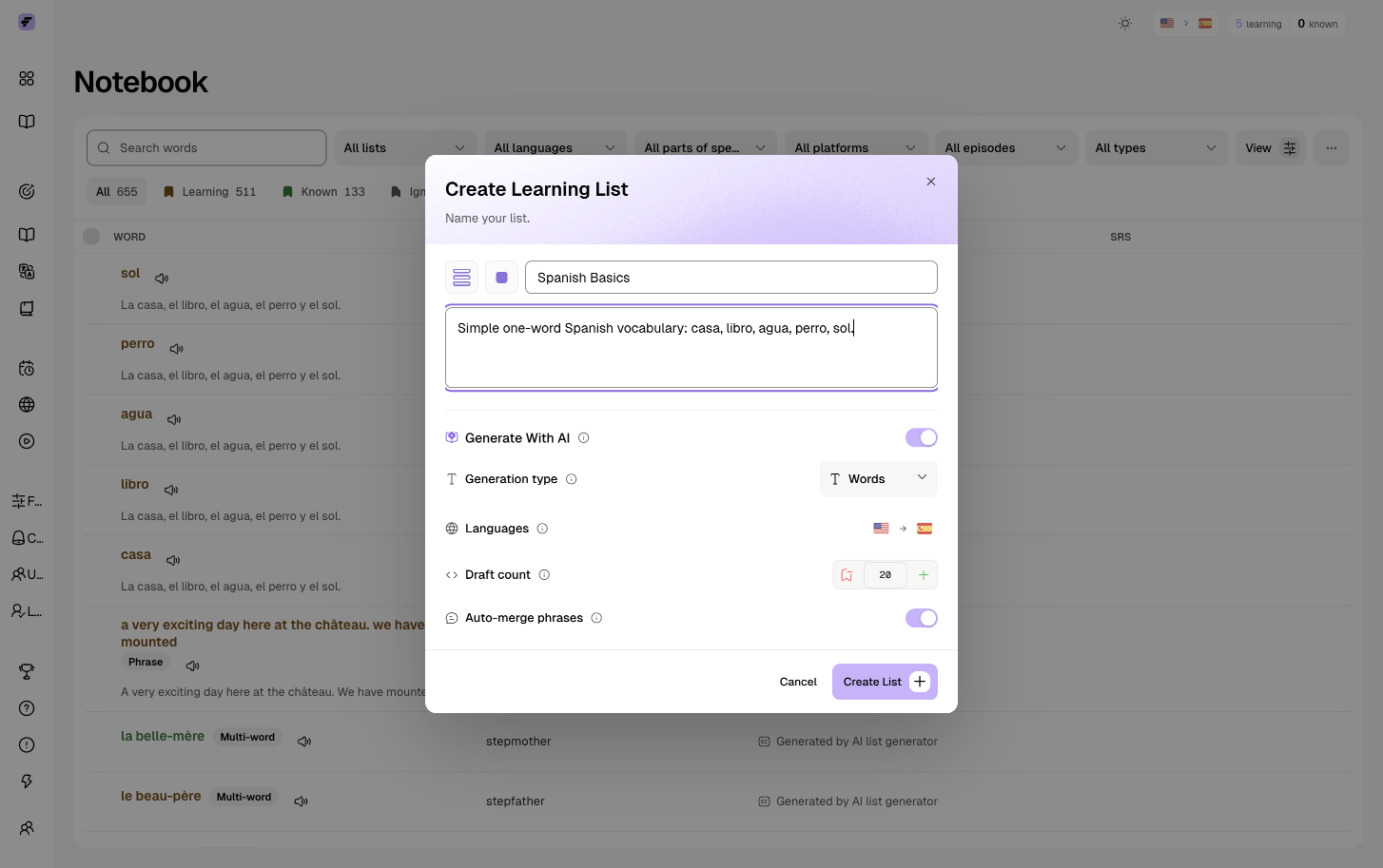
Categorize your vocabulary into custom collections. Create lists for any purpose - topics, difficulty, study goals.

Organize Vocabulary

Create themed collections.

  • Add words from Notebook
  • Add new words directly to lists
  • Move words between lists

AI List Generation

Generate entire lists with AI.

  • Describe what you want to learn
  • AI creates vocabulary for you
  • Auto-translate and save

[GIF: Creating a new list, adding words, using AI generation. ~6 seconds]

Training

Practice vocabulary from your Notebook or Lists with two training systems: Spaced Repetition for optimized long-term retention, or Regular Training for manual practice sessions.

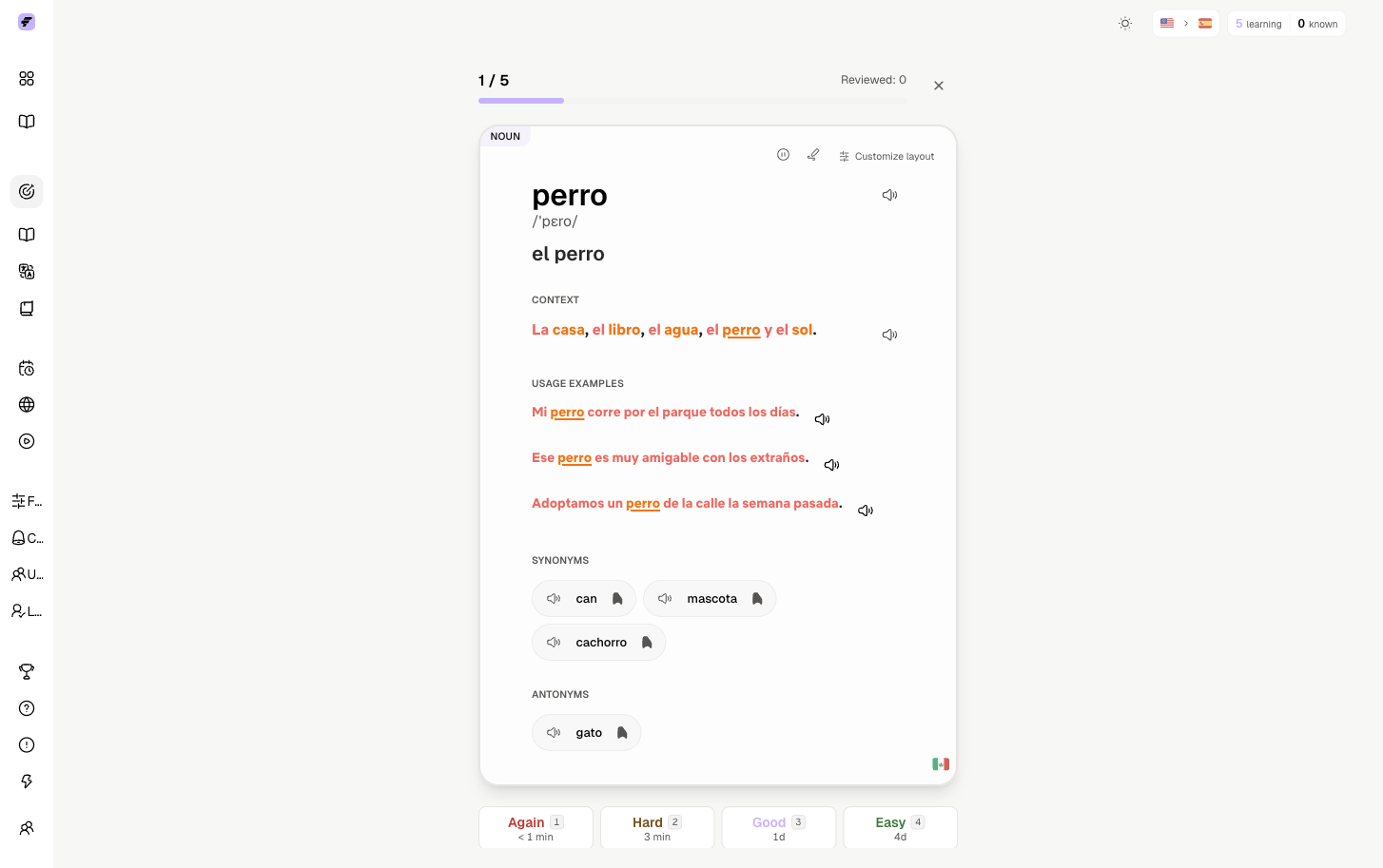
Spaced Repetition System (SRS)

An adaptive learning system that schedules reviews at optimal intervals to help you remember words more effectively.

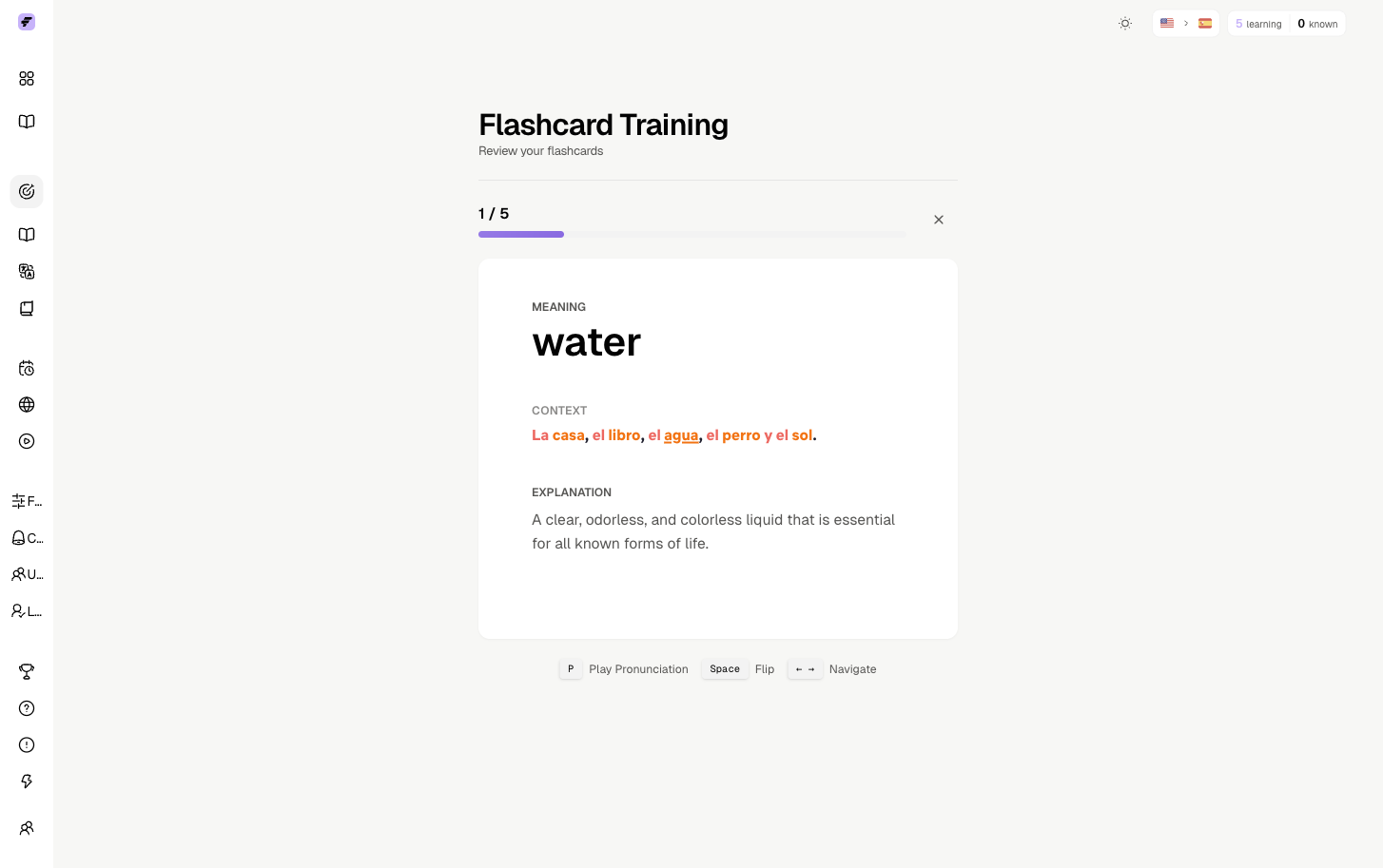
Flashcards

Traditional flashcard review.

  • Flip cards to see translations
  • Test your memory recall
  • SRS adjusts review timing

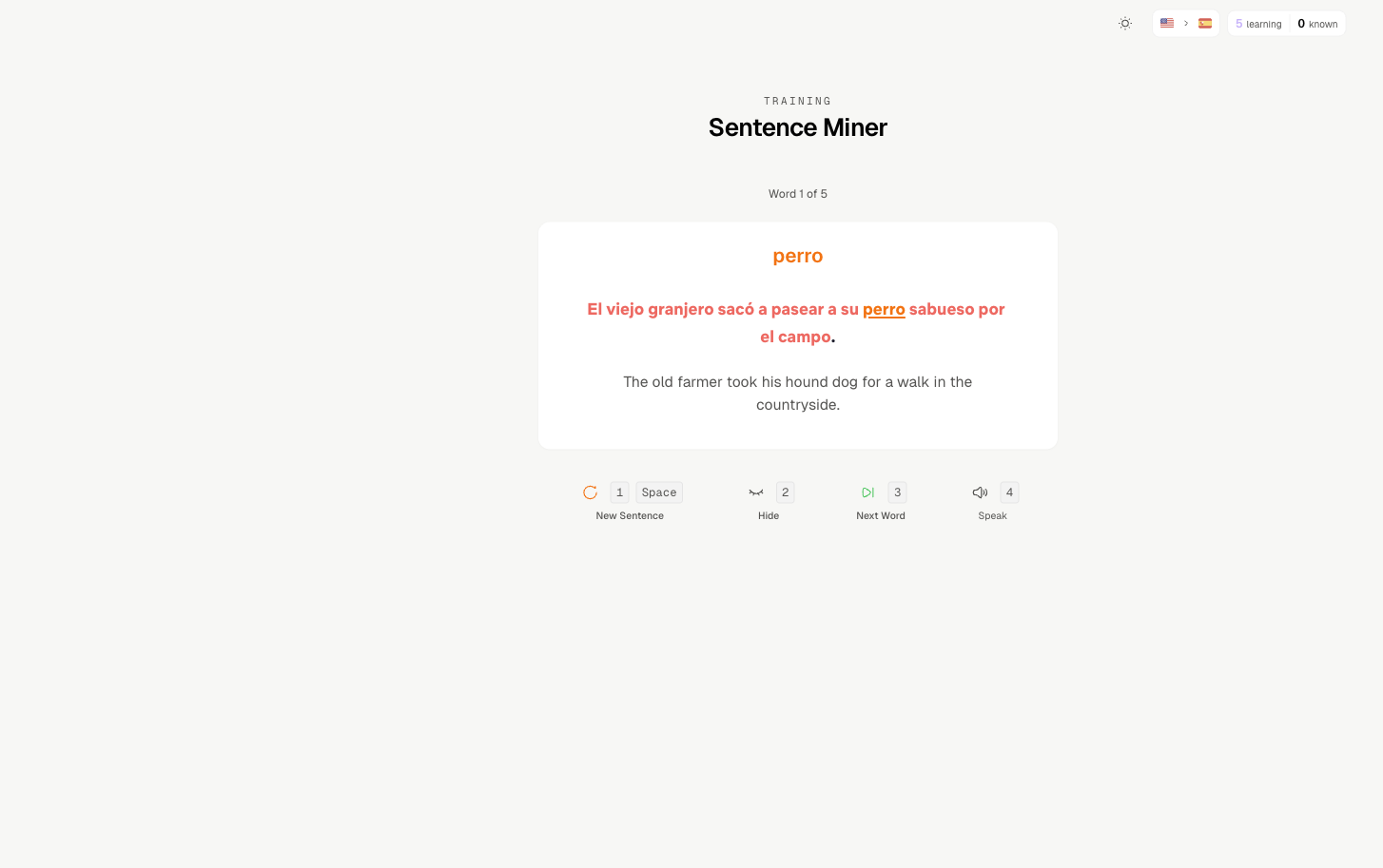
Sentence Miner

Learn words through sentence examples.

  • See words in real context
  • Multiple examples per word
  • Deeper comprehension

Regular Training

Manual practice where you choose which vocabulary to train. Filter by language, video, list, status, and more.

Simple Flashcards

Classic flip card review.

  • See the word, reveal translation
  • Mark known or unknown
  • Quick review sessions

Cloze System

Fill-in-the-blank practice.

  • Complete sentences by typing
  • Test active recall
  • Context-based learning

[GIF: Starting a training session, playing Flashcards. ~6 seconds]

Content

Track what you've watched, find new content, and learn through music.

Watch History

See everything you've watched.

  • Track your progress
  • Resume where you left off
  • Search your history

Discover

Find new videos to learn from.

  • Filter by platform
  • Filter by language
  • See vocabulary coverage

Music

Learn through songs and lyrics.

  • Interactive lyrics
  • Click words to translate
  • Filter by language

[GIF: Viewing Watch History, browsing Discover, exploring Music. ~5 seconds]

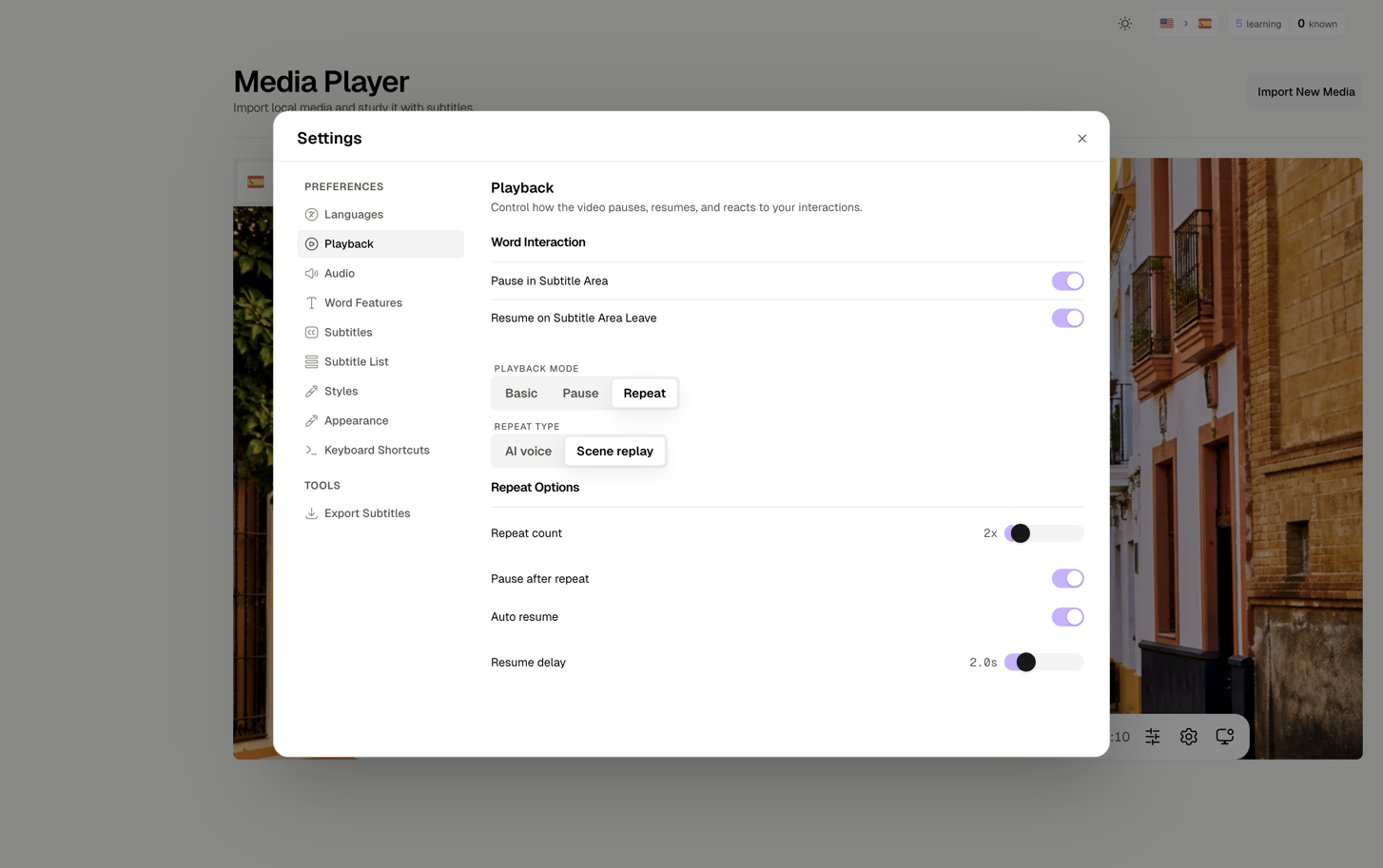
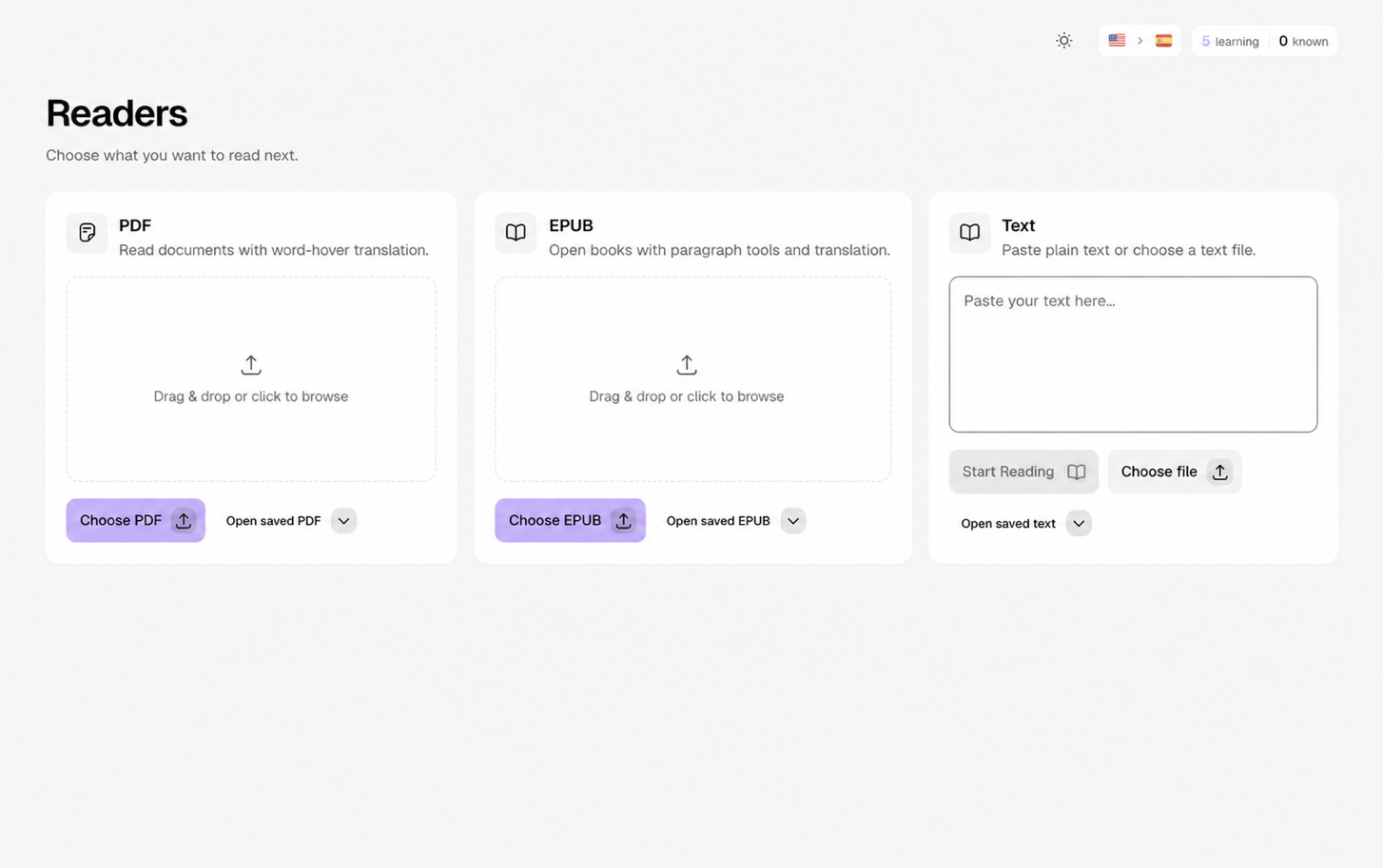
Readers & Media

Learn from your own content - upload videos, read books, or paste any text.

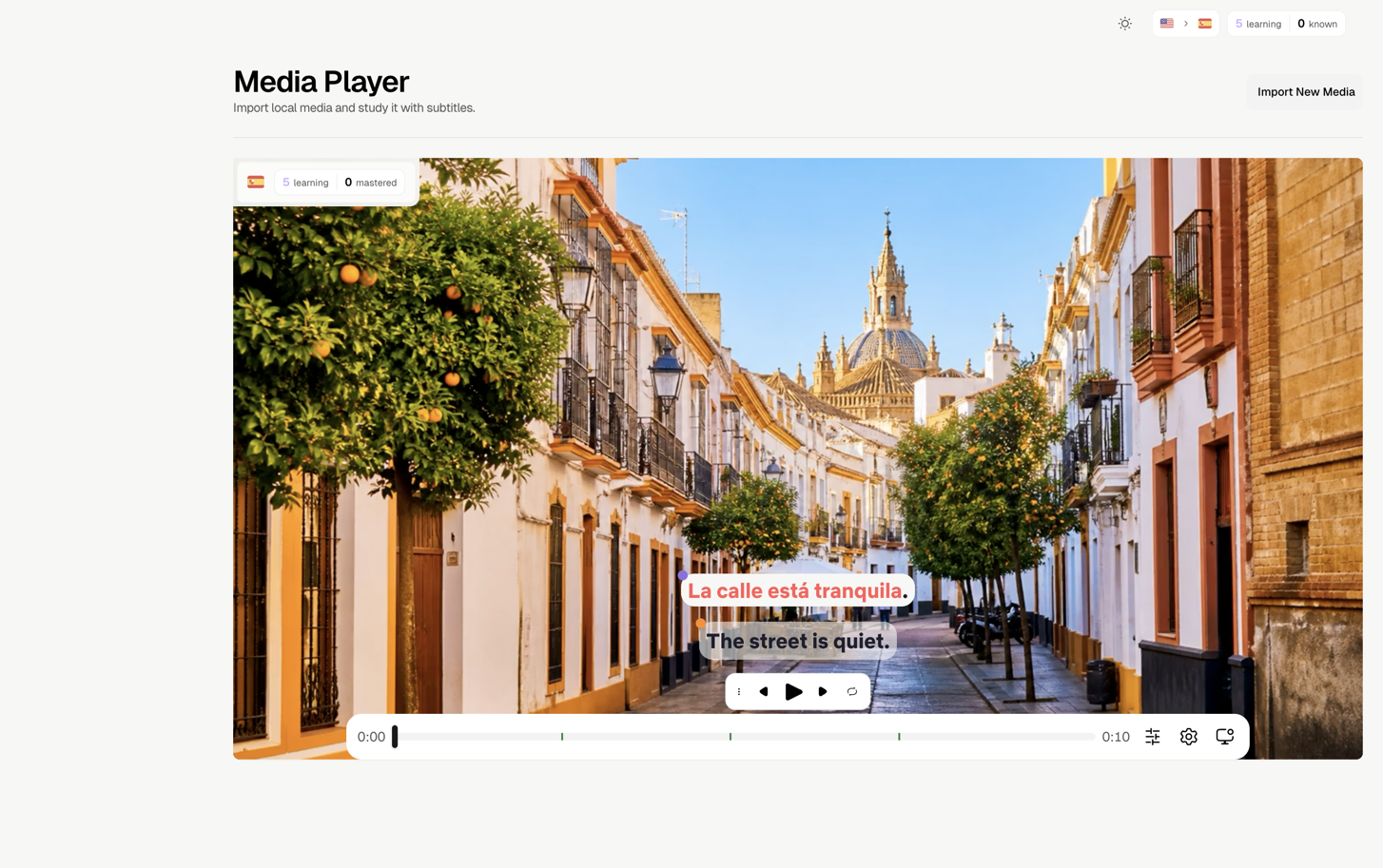
Media Player

Upload your own video or audio.

  • Add custom subtitles
  • Full FluentAI experience
  • Study any content

Book Reader

Read EPUBs with interactive translation.

  • Upload EPUB files
  • Click any word to translate
  • Bookmark paragraphs

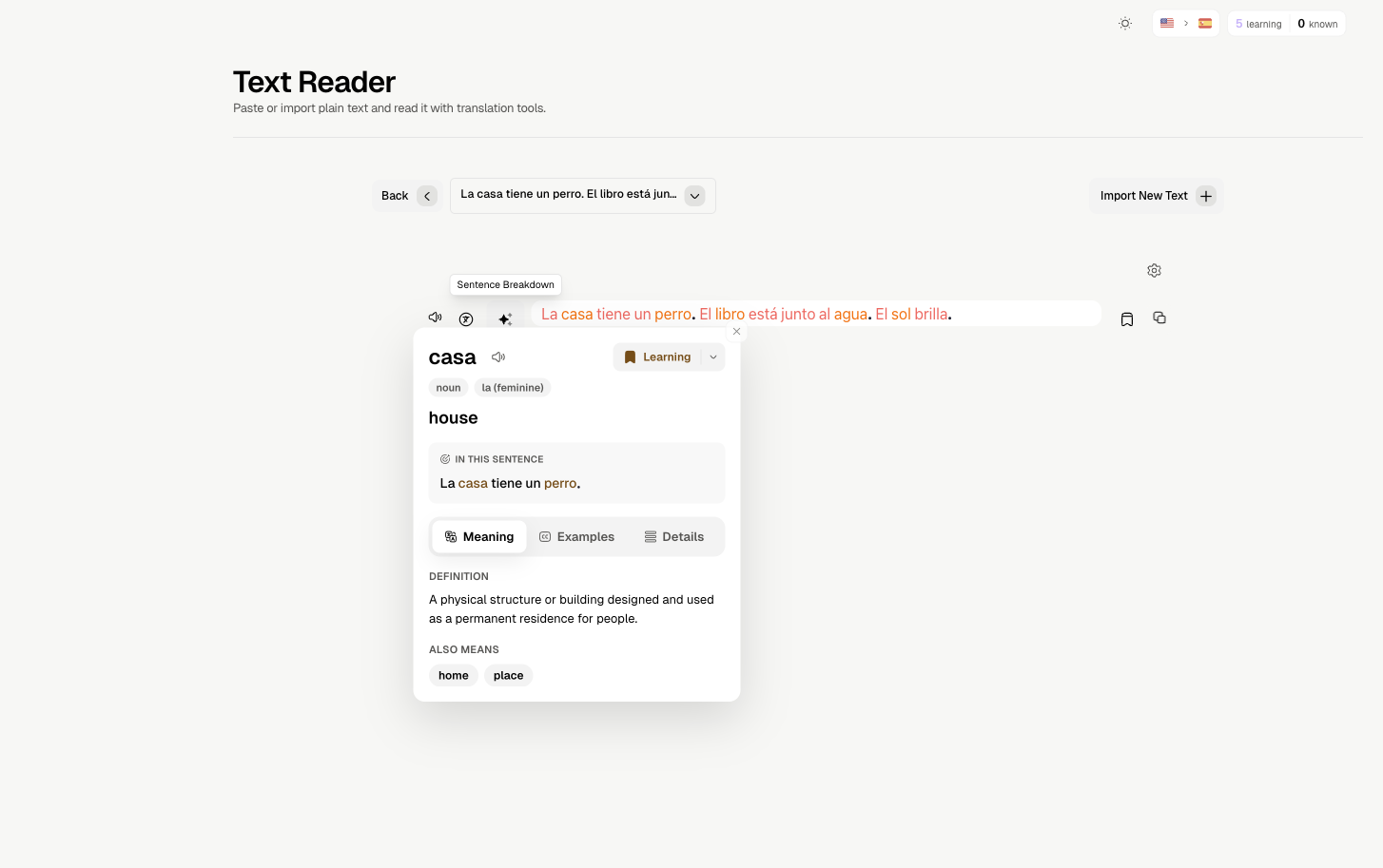
Text Reader

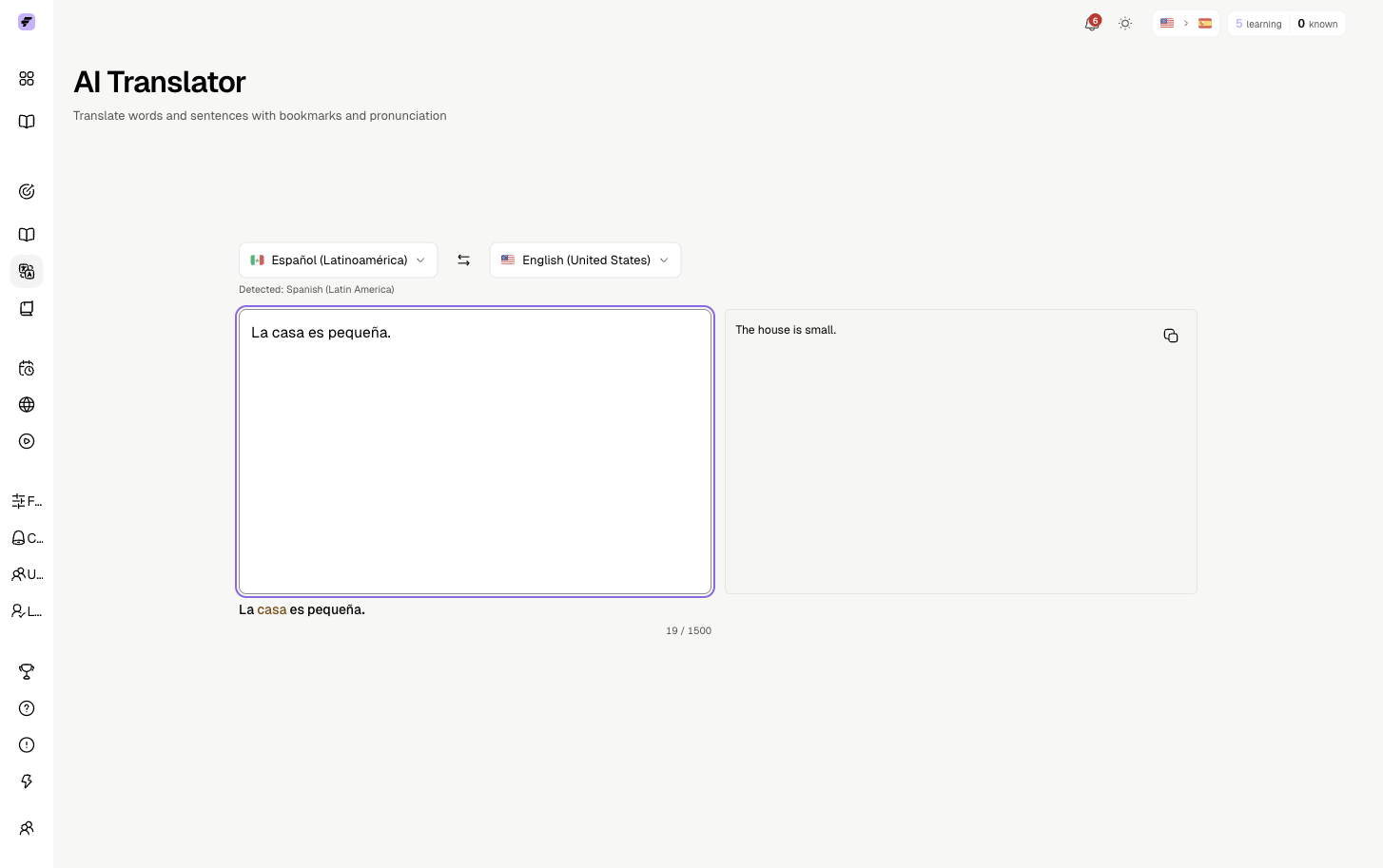
Paste any text and study it.

  • Interactive word lookup
  • Save words to Notebook
  • Great for articles

[GIF: Using Media Player with subtitles, reading in Book Reader. ~6 seconds]

Ready to start learning?

Head back to the tutorial to learn how to use FluentAI with videos.

Back to Tutorial